Dispute Management
Log a dispute against an invoice and keep it visible until it's resolved.
Log a dispute against an invoice and keep it visible until it's resolved. Each dispute management record has an owner, status, reason, and resolution history, so nothing gets chased or written off by accident.
Logging a Dispute
- Flag an invoice as disputed in one click from the invoice list or invoice record.
- Set the Dispute Category and assign an Owner responsible for resolving it.
- Attach supporting documents so anyone reviewing the dispute has full context.
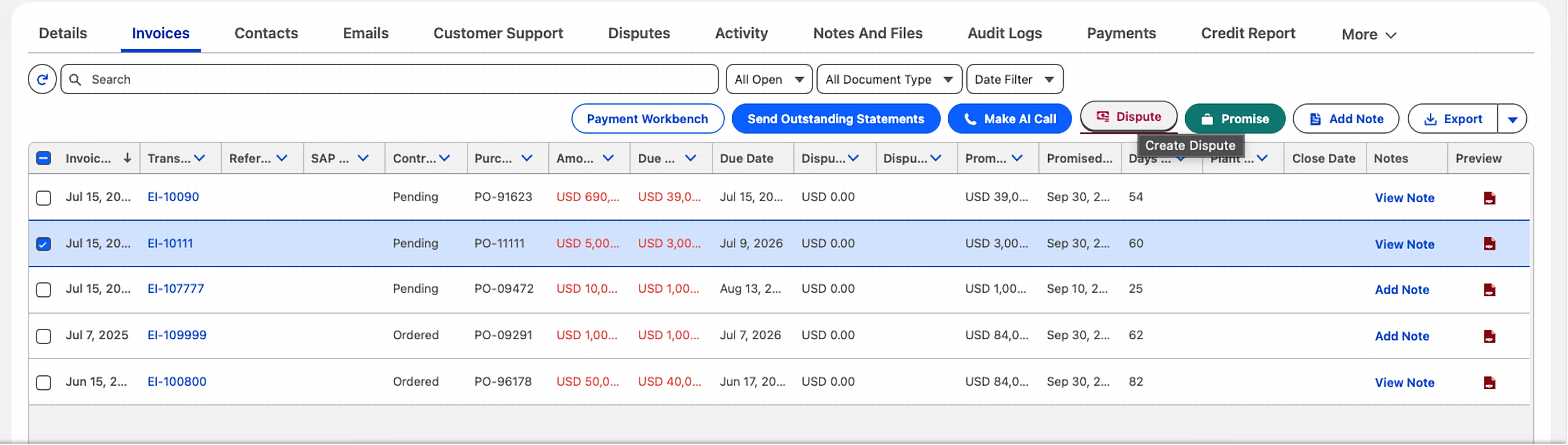
Dispute Fields
Days To Identify and Days To Resolve give your team a way to measure how quickly disputes are caught and closed, useful for spotting process bottlenecks over time.
How Disputes Affect Collections
- Collection reminders can pause automatically while a dispute is being resolved, so a customer isn't sent a final notice for an amount they've formally disputed.
- Once the dispute is resolved, the invoice returns to its normal aging and reminder cycle if a balance remains.
Reopening and Reviewing Disputes
- Reopen a closed dispute and keep its full history if the issue resurfaces.
- See every open dispute across your whole business in one list, useful for AR Admins reviewing dispute load by owner or category.

Where this fits in: a disputed amount shows on the invoice's Disputed Amount field, and rolls up into the account's overall risk picture in Credit & Risk Management.
Need help structuring dispute routing?
Reach us at info@quickreceivable.com or through our Contact Us page, or book a free demo.
