Salesforce Accounts Receivable Software for Faster Collections
Manage accounts receivable in Salesforce with AI-powered collection calls, invoice and payment tracking, cash application, credit management, dispute management, and AR reporting. Automate manual follow-ups, resolve payment issues faster, and improve cash flow from one connected platform.
- 100% Salesforce-Native
- Go Live in 4 Weeks
- $3B+ AR Managed
- 2.1M+ Invoices Processed Annually
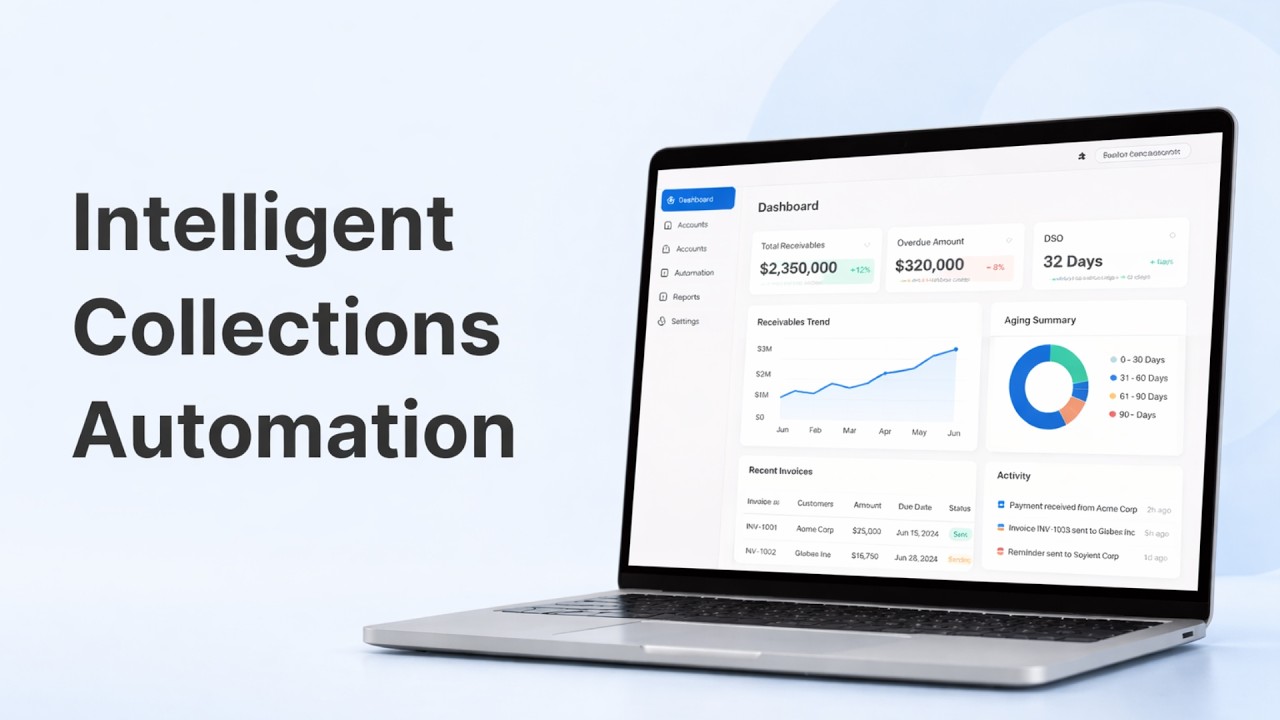
Automate reminders, follow-ups, promises to pay, and collection actions.
Match payments faster and reduce unapplied cash.
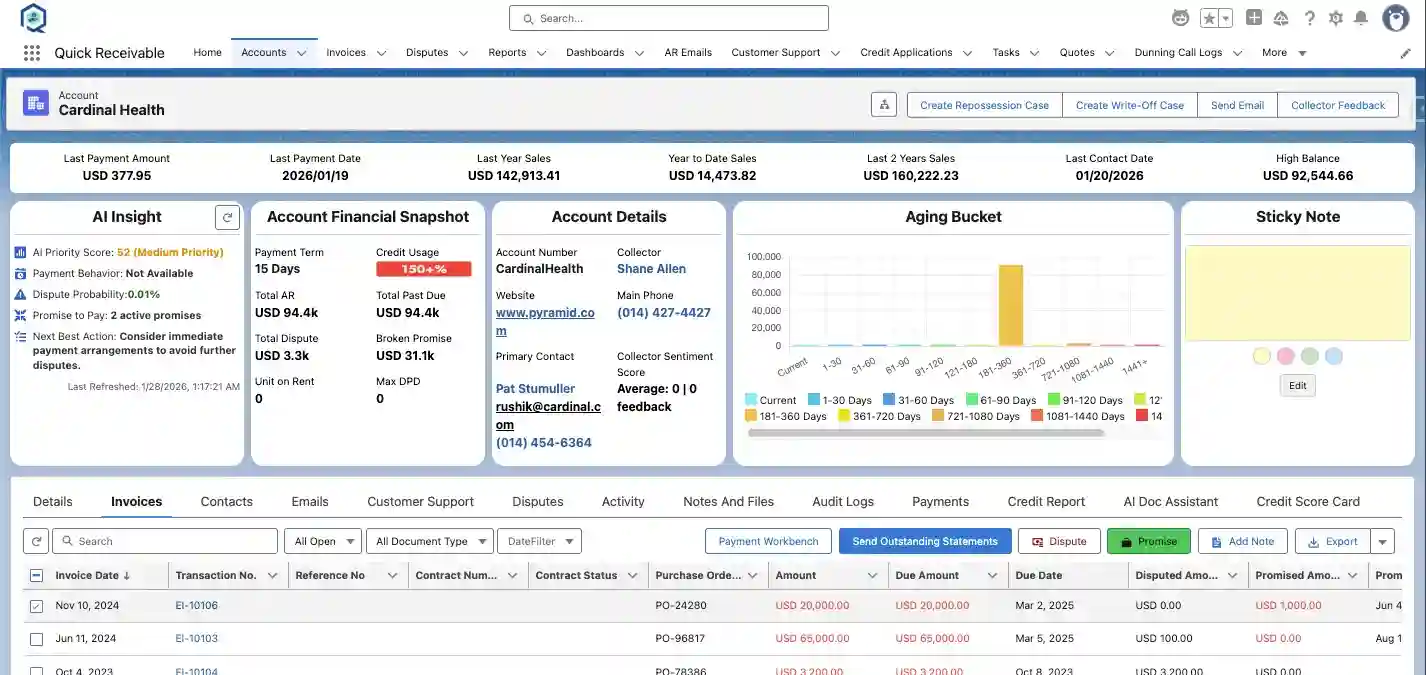
See aging, risk, disputes, payments, and collector activity in Salesforce.
Enterprise Salesforce Accounts Receivable Success Story
WillScot, a leading provider of flexible space and storage solutions, moved its accounts receivable process to Quick Receivable in Salesforce while replacing a legacy AR system under a strict decommissioning deadline. The platform processes 2.1 million invoices and manages $3 billion in receivables annually.
Results reported from this engagement

Quick Receivable has fundamentally transformed how we manage collections giving us true transparency into our receivables and collector activity while enabling a smooth transition off our legacy platform in under three months. The result is improved accountability, stronger decision making, and a scalable foundation to modernize credit and collections.

Joshua Nolan
Vice President- 4-Week Implementation
- Zero Business Disruption
- 3× Daily ERP/SAP Data Sync
- Salesforce-Native Accounts Receivable
Complete Accounts Receivable Management
Manage invoices, collections, aging, cash application, payments, disputes, credit, risk, and reporting in one connected accounts receivable platform inside Salesforce.
AI Tools for More Efficient AR Work
AI Collection Calls
Handle collection follow-ups and broken promises with AI-powered collection calls.
Email Draft Engine
Draft customer emails using account, invoice, and collection information.
Email Fine-Tuning for Tone
Adjust AI-generated emails to match the tone of each customer communication.
Email Classification
Classify incoming AR emails and identify the appropriate follow-up.
AI Insight
Analyze financial risk and surface insights from customer and accounts receivable data.
Manage Your Accounts Receivable in Salesforce
AR Visibility & Aging
View customer balances, invoices, due dates, payment status, aging, overdue amounts, payments, and collection activity in Salesforce.
Collections & Dunning
Automate reminders, follow-ups, collection activities, promises to pay, and overdue invoice workflows from one place.
Cash Application
Match payments to invoices, manage unapplied cash, resolve exceptions, and keep customer balances up to date.
Dispute Management
Capture and manage disputes, assign ownership, track resolution, and keep balances linked to customer accounts.
Credit Management
Credit limits, approvals, scoring, exposure, risk, and ongoing customer credit reviews in Salesforce.
Customer Service
Give customer service teams access to invoices, statements, payments, disputes, and account information in Salesforce.
AR Reporting
Track accounts receivable aging, collections, payments, disputes, credit exposure, collector activity, and overall AR performance in Salesforce.
Invoice Management
Track invoices, due dates, balances, payment status, aging, and customer account activity in Salesforce.
Built for Modern Finance and AR Teams
CFO / VP Finance
Reduce DSO and improve cash flow visibility.
AR Director
Improve collections and reduce manual AR work.
Credit Manager
Monitor customer credit risk and exposure.
Collections Manager
Prioritize accounts and manage follow-ups more efficiently.
Salesforce Admin
Manage AR processes inside Salesforce without adding a separate AR system.
Not sure if Quick Receivable fits your environment?
Talk to an AR SpecialistAccounts Receivable Solutions by Industry

Get a live look at how Quick Receivable helps your team manage collections, cash application, disputes, credit, risk, and AR reporting all within Salesforce.
- 15-Day Free Trial
- No Credit Card Required
Frequently Asked Questions
What is Salesforce Accounts Receivable?
Salesforce accounts receivable is the process of managing customer invoices, balances, payments, collections, disputes, credit, and aging within Salesforce. Salesforce does not provide a complete accounts receivable system out of the box, so companies typically connect Salesforce with their ERP, accounting system, or AR software. Quick Receivable brings these AR workflows into Salesforce so finance and AR teams can manage customer receivables from one connected platform.
How does Quick Receivable improve cash flow?
Quick Receivable automates collection follow-ups, AI collection calls, promise-to-pay tracking, dispute workflows, and cash application. By helping your team act on overdue accounts faster, reduce manual AR work, and improve visibility into receivables, Quick Receivable can help improve collection performance, reduce DSO, and make cash flow more predictable.
Is Quick Receivable fully native to Salesforce?
Yes. Quick Receivable is designed as a Salesforce-native accounts receivable platform. Your AR team can manage collections, invoice aging, cash application, disputes, credit, risk, and reporting within Salesforce without relying on a separate AR workspace. Quick Receivable can also connect with supported ERP and financial systems.
How long does Quick Receivable implementation take?
Quick Receivable can go live in as little as 4 weeks, depending on your requirements, integrations, data, and implementation scope. The Salesforce-native architecture helps reduce the complexity of deploying a separate AR platform while keeping your accounts receivable workflows inside Salesforce.
How is Quick Receivable different from other AR software?
Quick Receivable is built specifically for managing accounts receivable inside Salesforce rather than adding another disconnected AR workspace. It brings collections, dunning, invoice aging, cash application, disputes, credit, risk, and AR reporting into one Salesforce-native platform. This gives finance and AR teams connected customer and receivables data in the same environment.
Can Quick Receivable scale with enterprise volume?
Yes. Quick Receivable is designed for enterprise accounts receivable operations, including high invoice volumes, complex customer accounts, and large receivables portfolios. An enterprise customer engagement processes approximately 2.1 million invoices and manages more than $3 billion in receivables annually through Salesforce.
Does Quick Receivable replace our existing AR system?
Quick Receivable can replace standalone or legacy AR platforms by bringing collections, invoice aging, cash application, disputes, credit, risk, and reporting into Salesforce. It can also work alongside your existing ERP or accounting system, allowing your financial system to remain part of your overall finance architecture while AR workflows run in Salesforce.
Can Quick Receivable integrate with SAP and our ERP?
Yes. Quick Receivable connects Salesforce accounts receivable workflows with supported ERP and financial systems, including SAP environments. Invoice, payment, customer, and receivable data can be synchronized so your AR team can work in Salesforce while keeping financial data connected with your existing systems.
Do we need Salesforce to use Quick Receivable?
Yes. Quick Receivable is built as a Salesforce-native accounts receivable platform and requires a Salesforce environment. It allows your AR team to manage collections, aging, cash application, disputes, credit, risk, and reporting within Salesforce while connecting with supported ERP systems.
